
Uses
A surface for focus, not for new marks.
A made-to-measure desk protector for your laptop, your writing and the things you reach for every day. Clear keeps the desk visible; Design can tie the workspace together. You enter the finished size and shape. Before you order, you see a technical drawing with the position of the print, together with a gallery of product photos.
You will see a price estimate before the cart. Shipping is calculated at checkout. We do not yet show a specific date for dispatch.
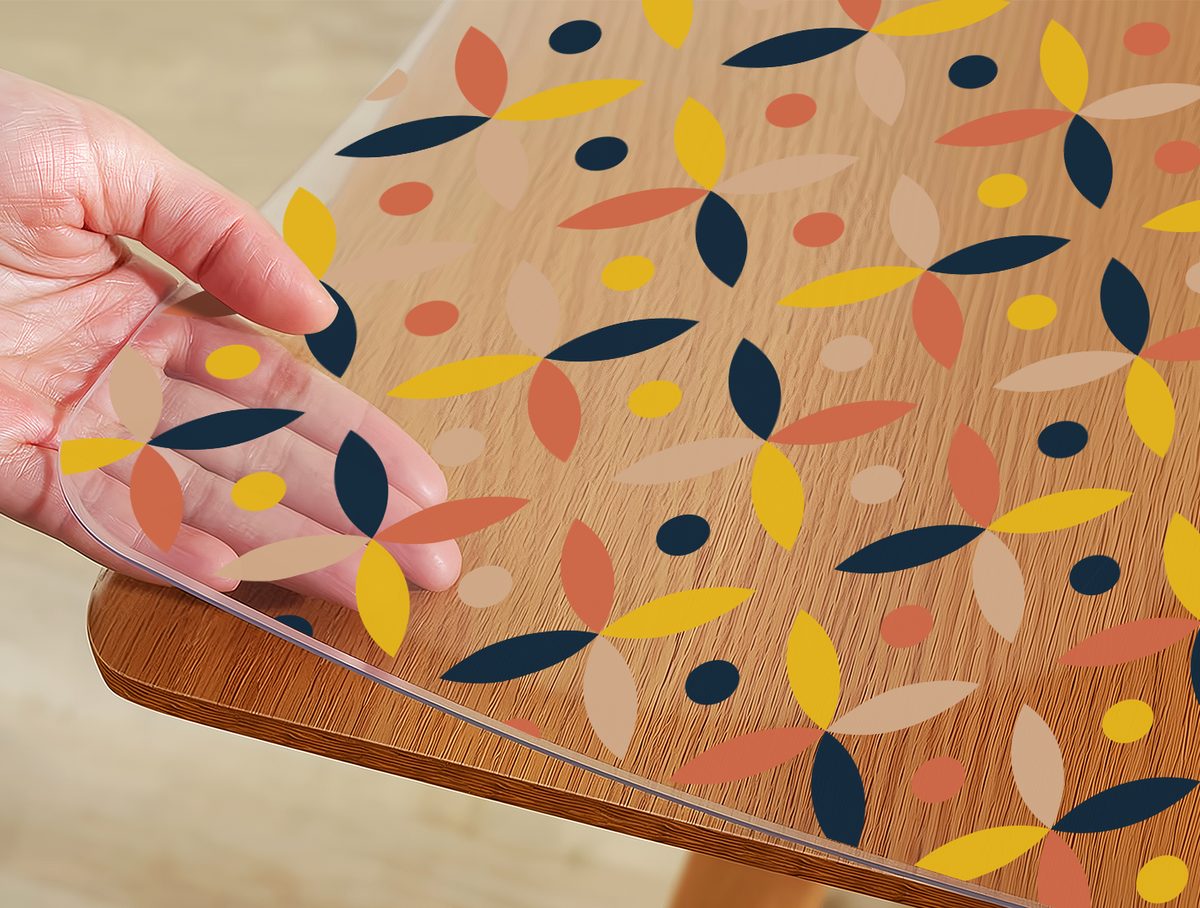
What happens here every day
Three situations a protector is made for.
The laptop and its daily moves
The laptop, the mouse and the charger change position several times a day. The protector helps separate the desk surface from the feet of your devices and from the cable dragged across it. Keep the device vents clear.
Writing, notes and paperwork
Every unevenness shows through thin paper. The protector gives you a continuous surface to write on and helps separate the desk surface from the pressure of a pen through the paper.
Mug, glass and small things within reach
Coffee, a water bottle, keys and headphones all end up on the desk between tasks. The protector helps separate the desk from everyday contact with them. Wipe up any spill as soon as you can.
Choosing the look
Keep the surface visible, or change how it looks?
Proteluna Clear lets the colour and grain of the surface come through. Proteluna Design adds a curated motif. Both are made to the shape and sizes you confirm.
What to know first
The limits we tell you before you order.
A surface protector is a practical product. We would rather tell you what it does not do than have you find out at home.
Do not cover device vents
Do not lay the protector over the vents of a laptop, docking station or power supply. Leave devices standing on their own feet or on a stand.
Heated devices only on a suitable mat
We do not test the heat resistance of the material, so we make no heat-resistance claim. Do not place a device that warms up underneath, or a hot mug, directly on the protector. Use a separate heat-resistant mat.
Monitor arms and sharp feet: follow the instructions
A monitor-arm clamp, a stand and the sharp edges of bases put point loads on 2 mm material. Position them and move them according to the instructions, not by guesswork.
We make no ESD or antistatic claim
The ESD properties of the material have not been verified. When you work with sensitive electronics, use a certified ESD mat.
Glass and high gloss behave differently
On glass and high-gloss surfaces, the flexible material can create optical patterning. The surface type does not change the price or the production. If you are not sure, contact us before you order.
We make both Clear and Design for all the surface types listed. The surface type does not change the thickness or the price. If you are in doubt, do not carry on guessing - get in touch.
Shape and measuring
Measure the surface first, then pick the shape.
You enter the finished size you want to receive. For a circle you measure the diameter; for a rounded rectangle, the corner radius as well. Do not add anything to it or take anything off.
How it looks
Product photographs of a finished protector.
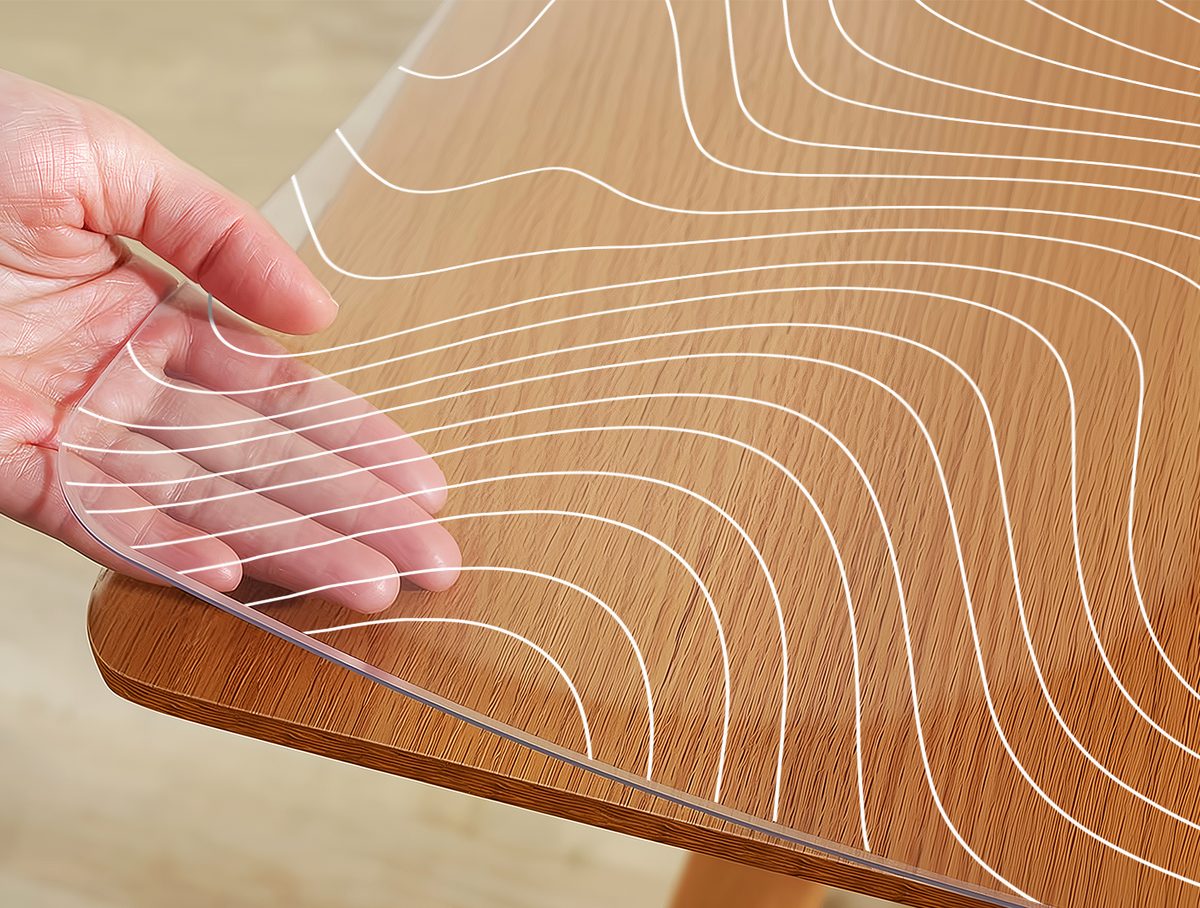
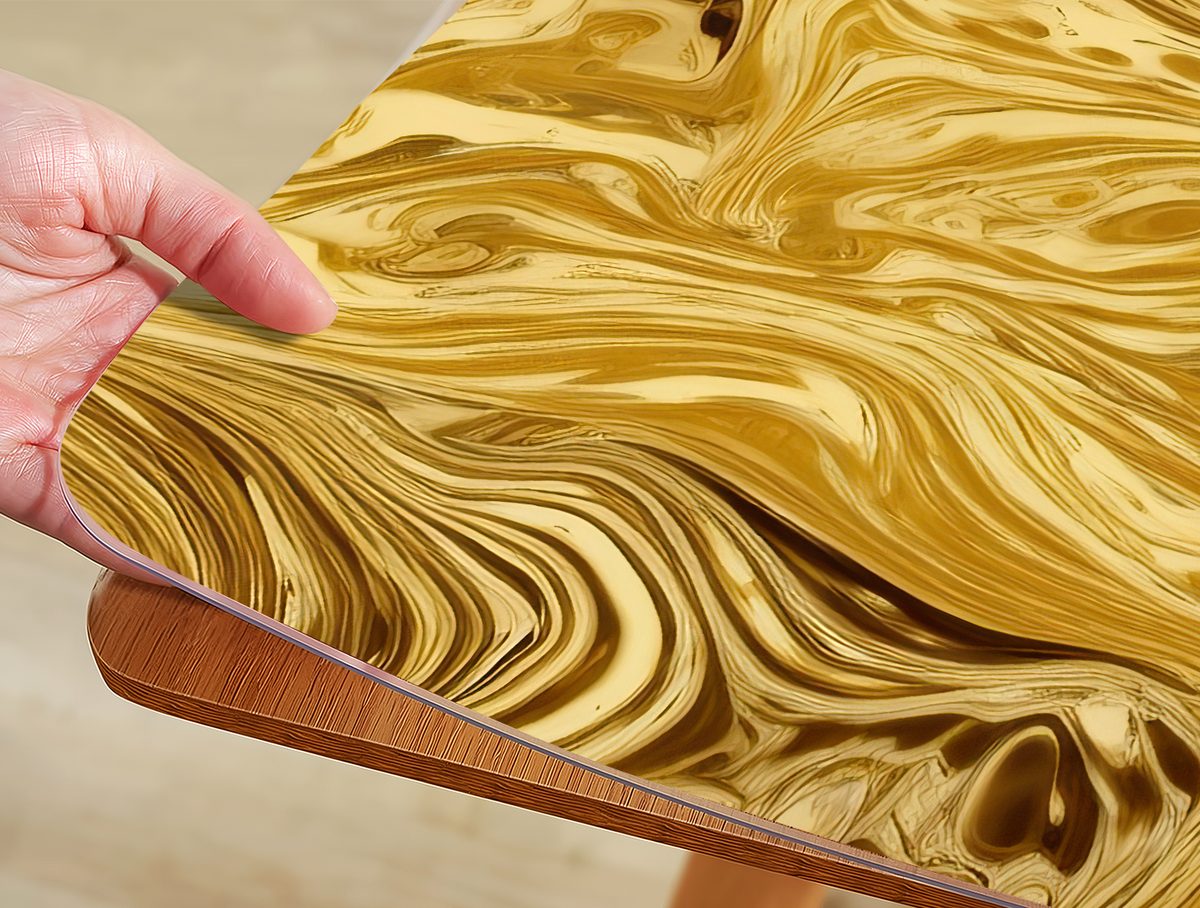
The photographs show a finished protector on a surface. Your piece is made to the shape and sizes you confirm.
Evidence
Experiences from similar use.
We show only published reviews filtered for this situation. If there are none yet, we show an honest empty state and a link to where the ratings come from.
We have no published review for this use yet.
We would rather say it like this than put someone else's or an invented one here.
See where the ratings come from →
Common questions
Questions about this use.
Can I put a laptop on the protector?
You can use a laptop on it, but keep its vents clear. Put a device that gets noticeably warm underneath on a separate heat-resistant mat. We make no heat-resistance claim for the material.
Will an optical mouse work on the protector?
On a smooth clear material, an optical mouse may not track reliably. If you need precise mouse work, plan on using an ordinary mouse mat. With the Design finish, the behaviour depends on the particular motif.
Will I see what it looks like before I order?
Yes. We show a technical drawing with the shape, the finished size and the position of the print, together with a gallery of product photos of protectors we have made. Room photos are illustrative; check the shape and size on the technical drawing.
Should I enter a slightly smaller size so that it definitely fits?
No. Enter the finished size you want to receive. Do not add anything to it or take anything off.
Can I use both Clear and Design?
Yes. We make both Clear and Design for all the surface types listed - you choose directly in Studio.
Should I enter a slightly smaller size?
Enter the finished size you want to receive. Do not add a compensation of your own.
What if I'm not sure about the surface or the corner?
Do not carry on guessing. Use the measuring guide or write to us - we will look at it with you.
Is the preview accurate?
The drawing shows your shape, the finished sizes and, with a print, where the motif sits - that is what you use to check the configuration. The gallery holds product photographs of a finished protector.
The surface is yours. We'll make the protector for it.
Start with the surface, watch the price estimate as you design, and check every detail before production. We do not yet show a specific date for dispatch.